
Online booking for salons: clients book themselves through your link
Simple Salon Manager gives your salon its own booking page. Share one link, and clients choose a service, a specialist and a free time slot on their own — day or night, without calling or messaging you. Every booking lands straight in your calendar, so you can stay focused on the client in your chair instead of your phone.
Online booking works for solo specialists and for salons with a team, and it's set up in a few minutes.


Clients book without an app or registration.
Why salons move to online booking
Taking appointments through calls and messages costs more time than it seems:
- You answer between clients. Every "do you have anything on Friday?" means stopping work, checking the calendar and writing back.
- Clients want to book at night. Many people make plans in the evening, when your salon is closed and nobody picks up.
- Back-and-forth slows everything down. Three messages to agree on a time, and the slot may already be gone.
- Mistakes creep in. Double bookings and forgotten requests happen when the calendar lives in your head and your chats.
Online booking takes these conversations off your plate. The client sees what's actually free and books it in a minute.
How clients book: five simple steps
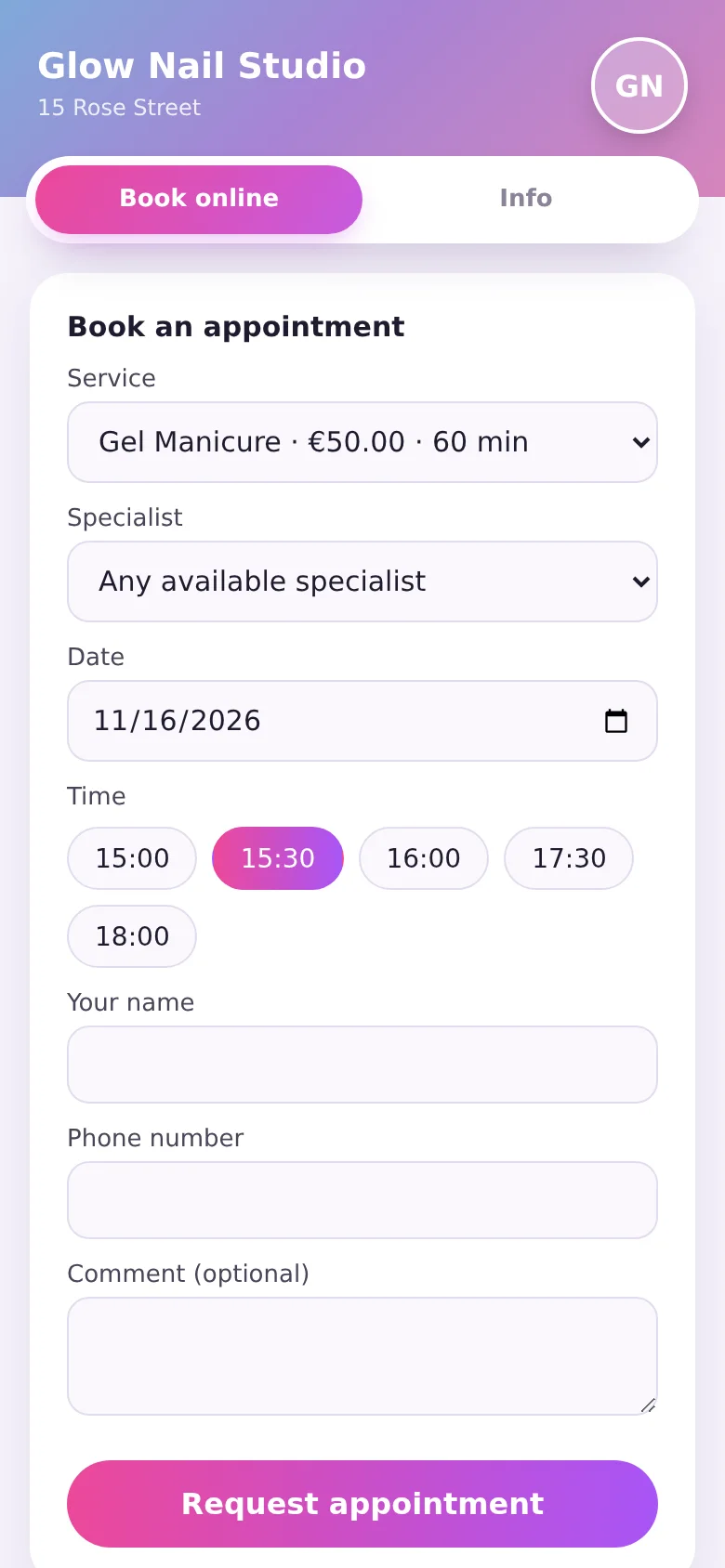
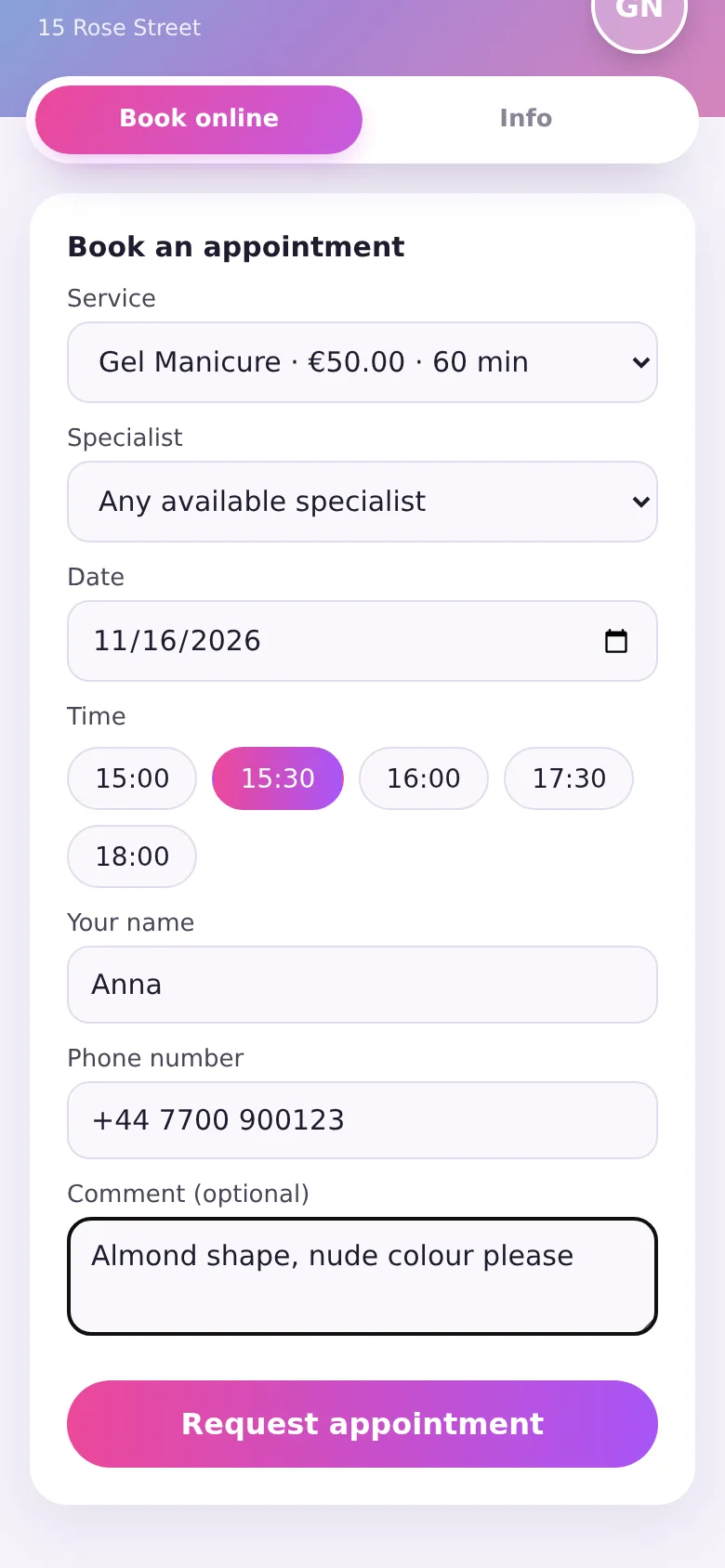
Your clients don't need to download an app or create an account. They open your link and:
- Choose a service — with its price and duration.
- Choose a specialist — a specific person, or "Any available specialist" to see every free time.
- Pick a date.
- Pick a time from the slots that are really free.
- Leave a name, a phone number and an optional comment — for example, the shape or colour they'd like.
If someone else takes the same time a second earlier, the client sees a clear message and simply picks another slot.
Your booking link and salon page
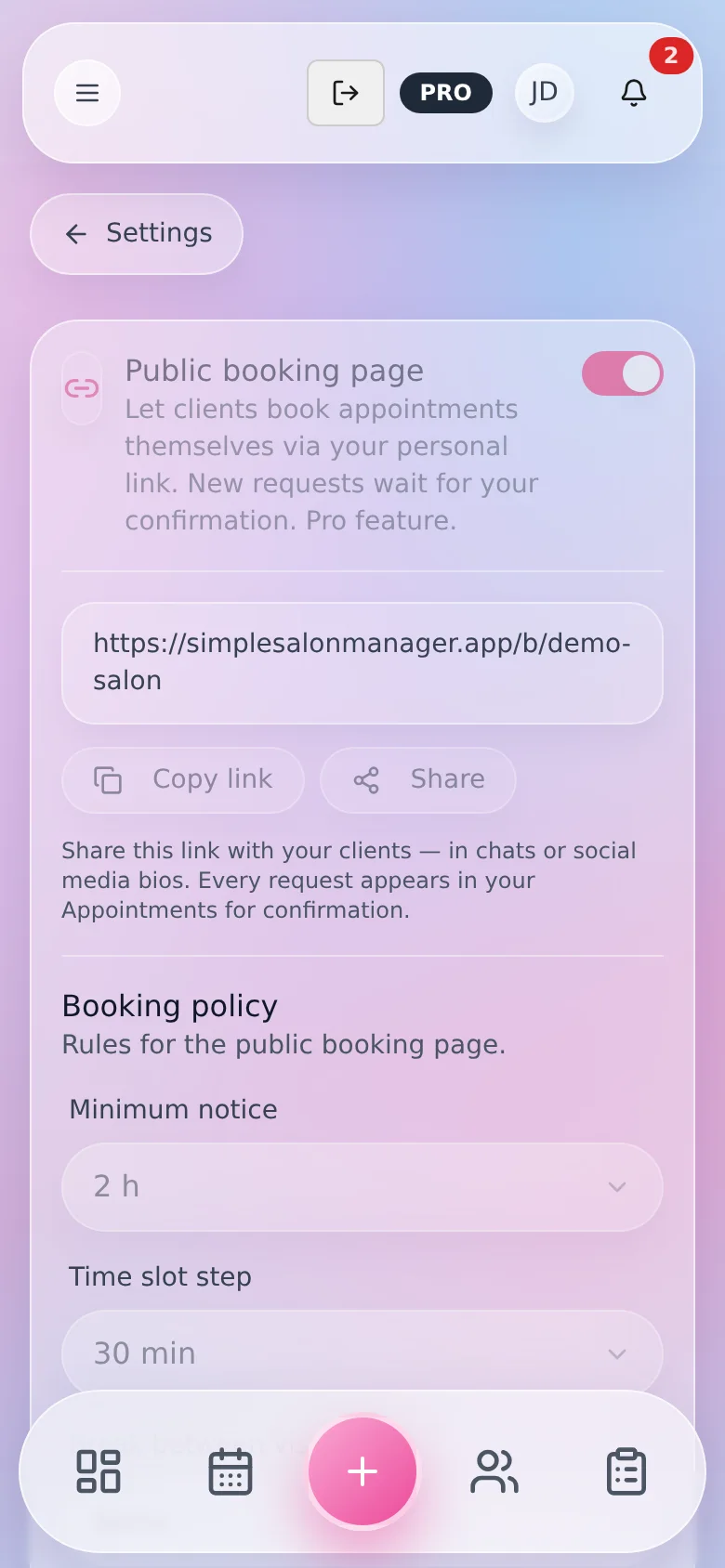
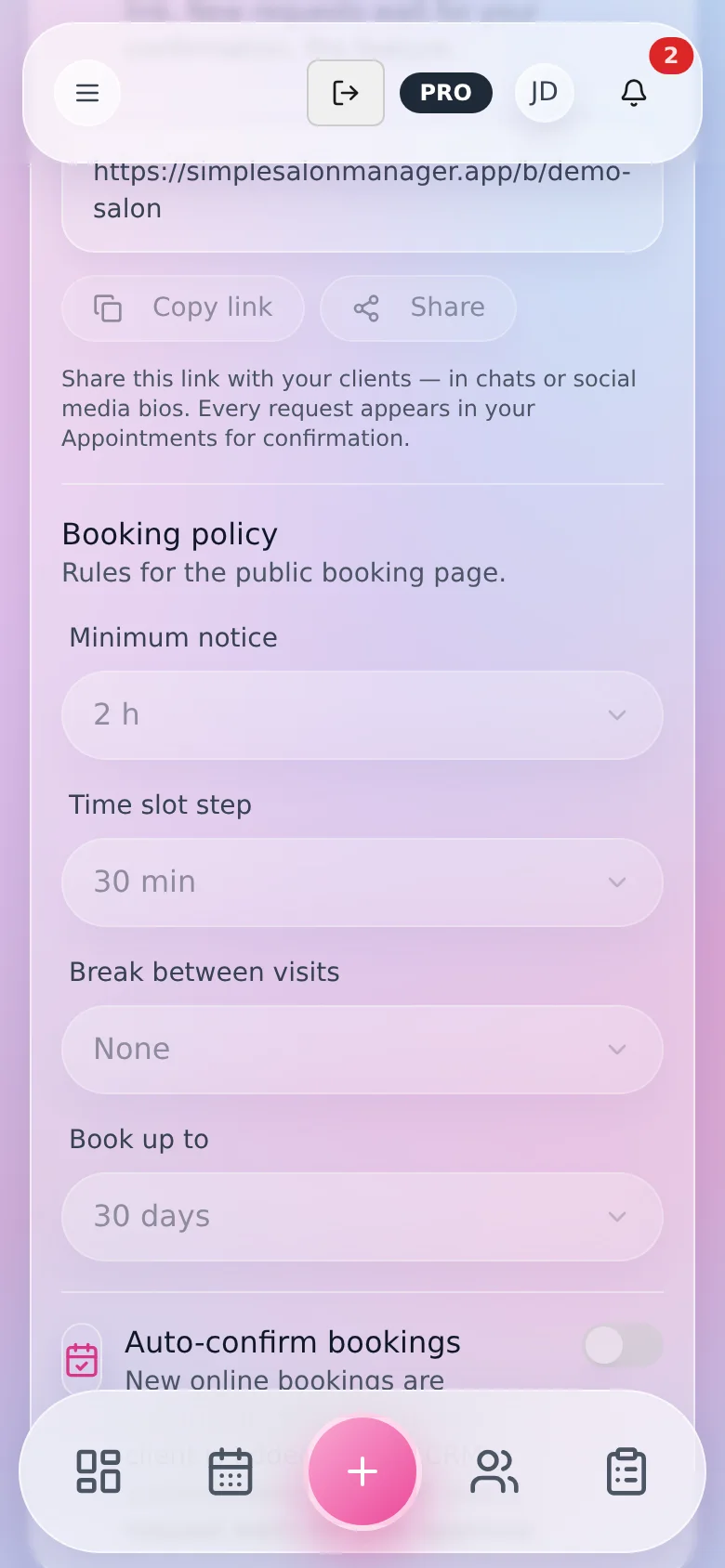
Turn on the public booking page in the settings, and you get a personal link like simplesalonmanager.app/b/your-salon. Copy it or share it in one tap — put it in your Instagram bio, in your messenger profile, or send it to clients directly.
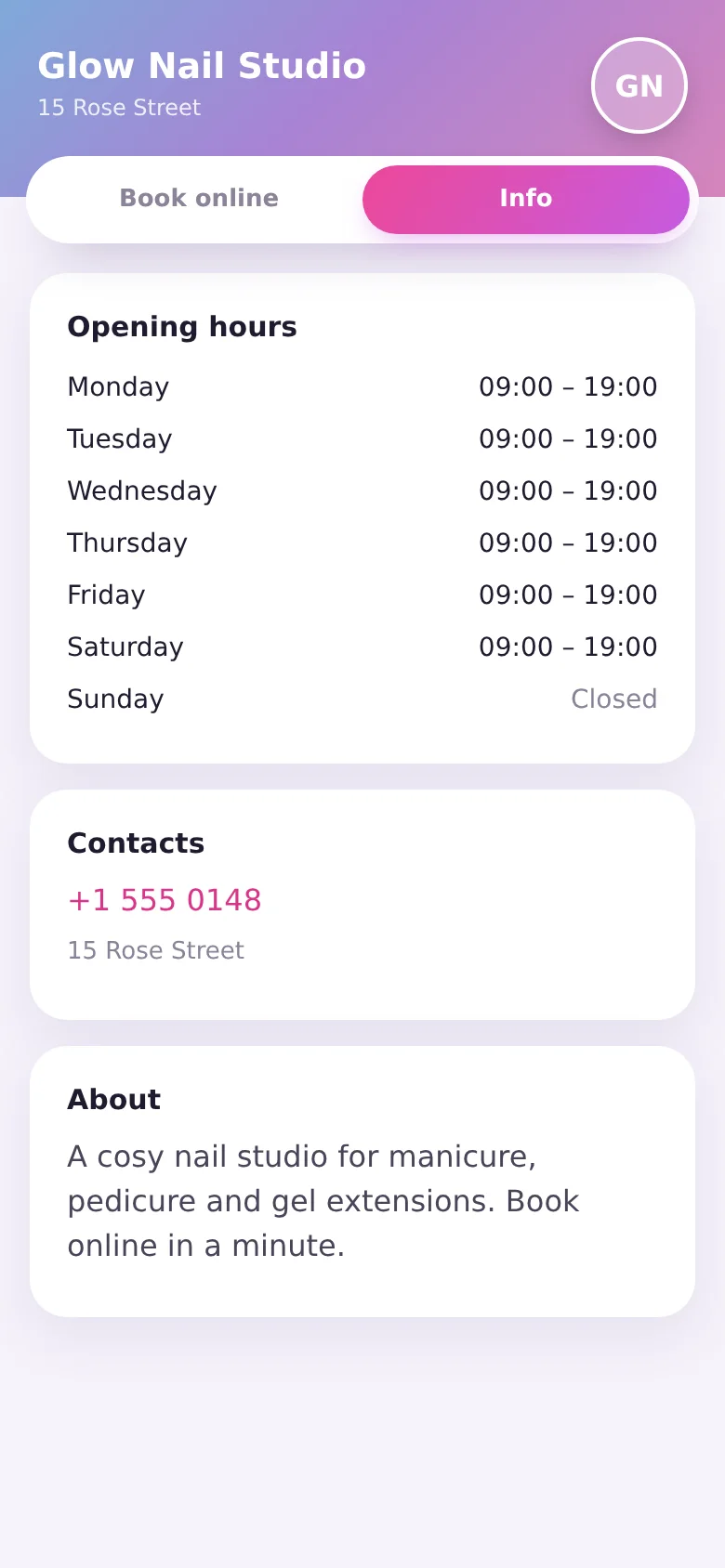
Next to the booking form, the page has an Info tab with your opening hours, address, phone number and a short description of your salon. The page is shown in your salon's language.
Booking rules that fit your rhythm
You decide when and how clients can book:
- Minimum notice — no last-minute bookings you can't prepare for.
- Time slot step — start times every 15, 30, 45, 60, 90 or 120 minutes.
- Break between visits — time to clean up and get ready for the next client.
- Book up to — how far ahead clients can book, from a week to three months.
Free slots are calculated from your working hours and days off, the appointments you already have, and the break between visits. Requests that are still waiting for your approval block their time too, so two clients are never offered the same slot.
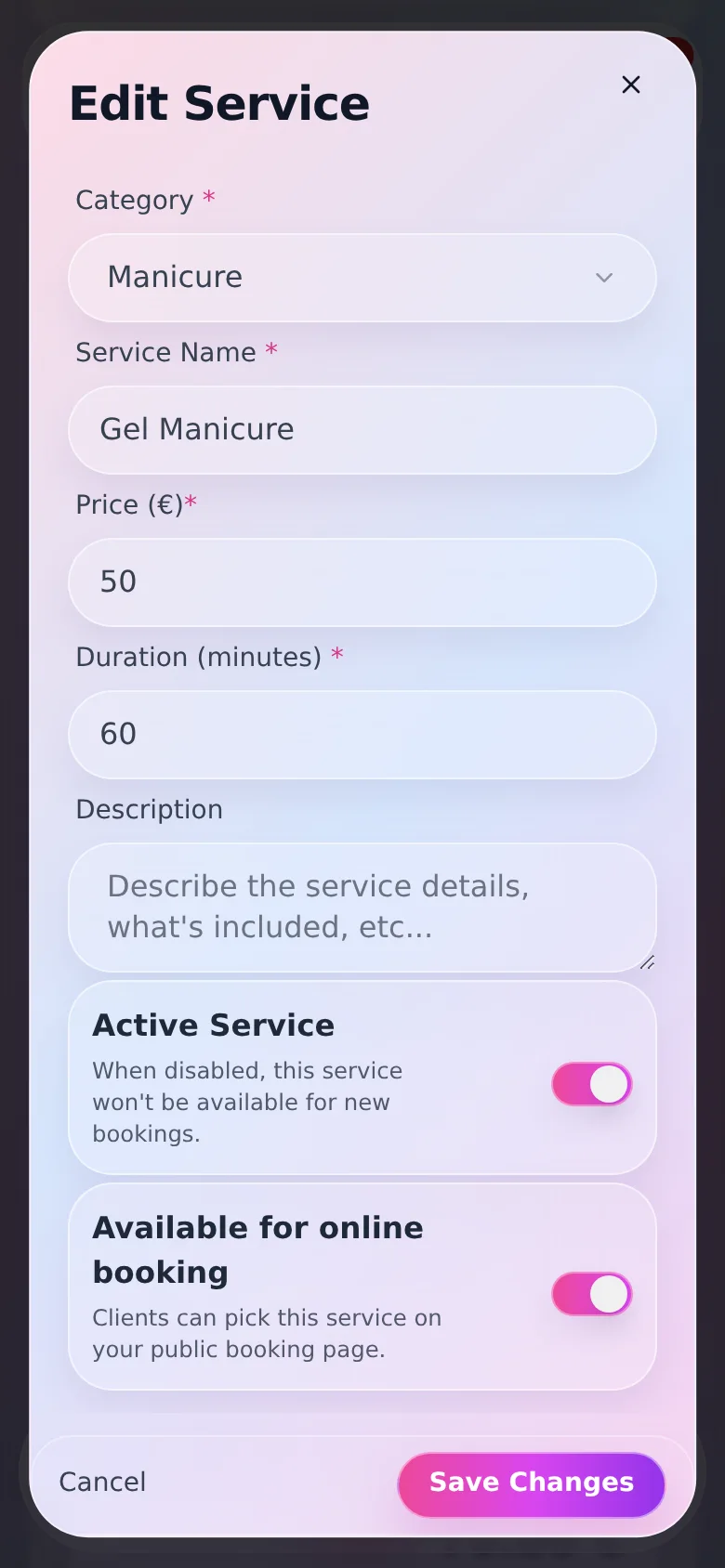
You also choose what's visible online: switch any service or team member on or off for online booking. Complex treatments you prefer to discuss first can stay off the page.
Auto-confirm or review every request
Choose the mode that suits you:
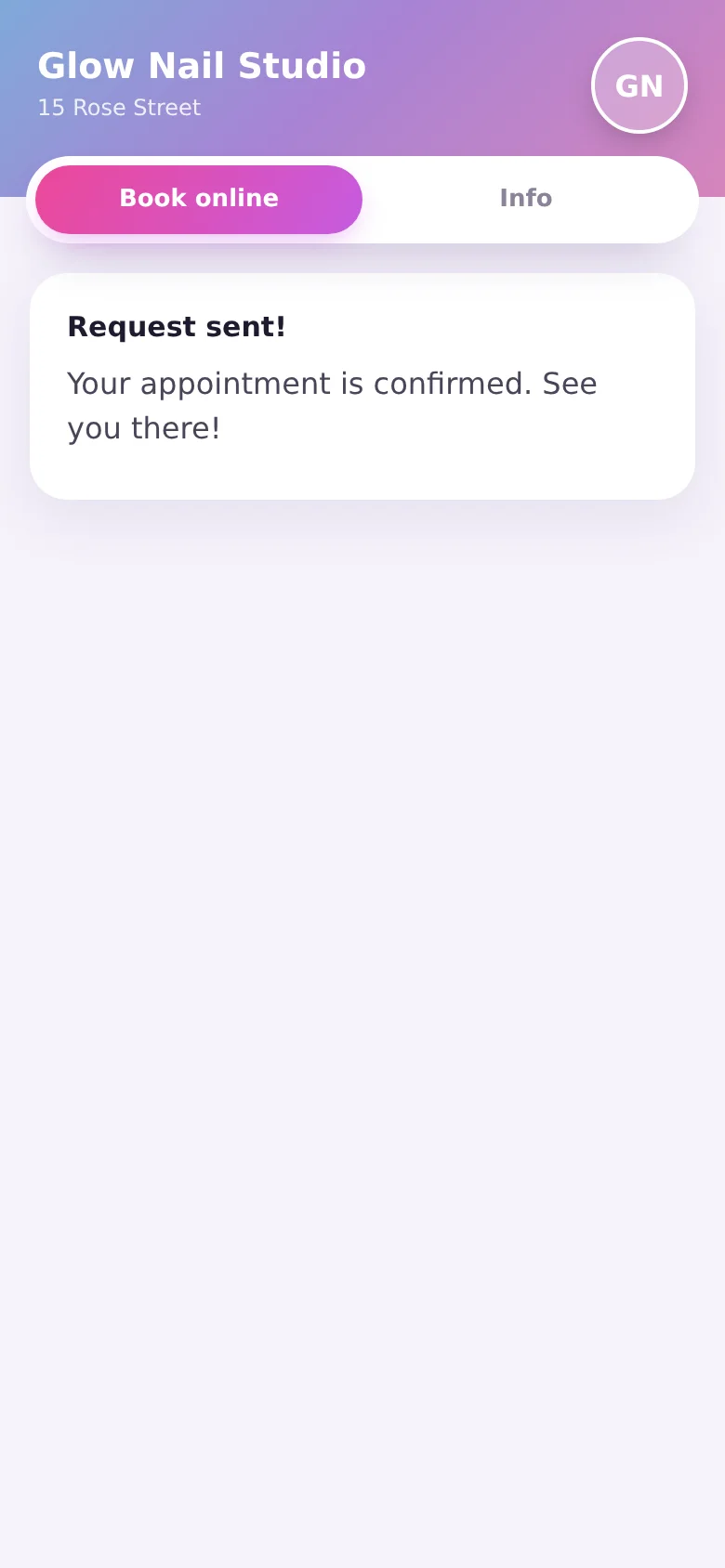
- Auto-confirm. New bookings are confirmed instantly, the client sees "Your appointment is confirmed", and the client is added to your client base automatically. If the phone number is already there, the visit is linked to the existing client.
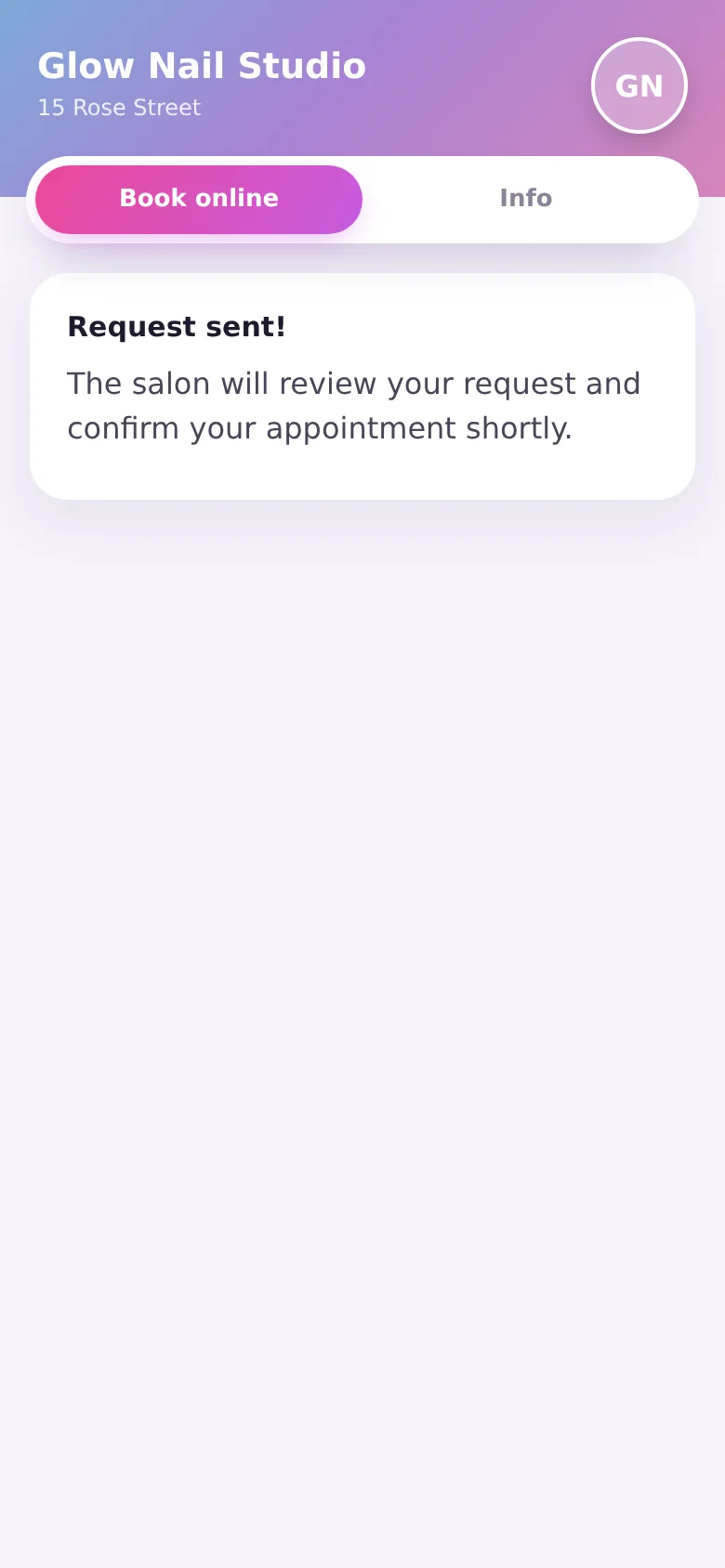
- Manual approval. Each booking arrives as a request. You get a notification in the app and a push, then confirm or decline it. The client sees that the salon will confirm shortly.
Fewer no-shows with SMS reminders
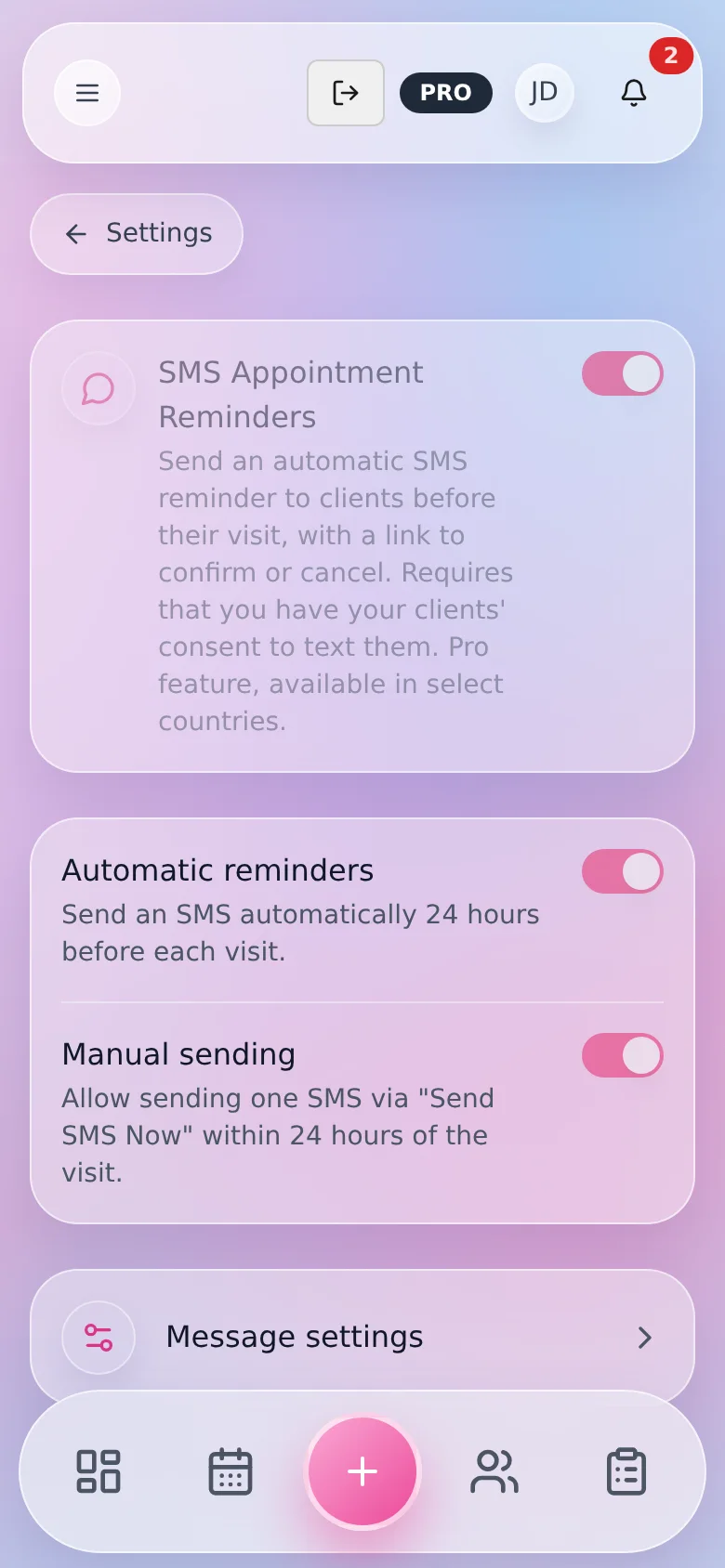
Online booking pairs well with automatic SMS reminders. A day before the visit, the client gets a text with a link to confirm or cancel. If plans change, you find out early enough to offer the time to someone else.
SMS reminders are part of the Pro plan, are available in select countries and require your clients' consent to receive texts.
Turn on online booking in 3 steps
- 01
Add your services
with prices and durations.
- 02
Set your working hours and booking rules.
Minimum notice, time slot step, break between visits and how far ahead clients can book.
- 03
Turn on the public booking page
and share your link.
Online booking FAQ
Do clients need to register or install an app?
No. Clients open your link in any browser and book with just a name and a phone number.
Can clients choose a specific specialist?
Yes. They can pick a specialist or choose "Any available specialist". You decide which team members are available online.
What if two clients try to book the same time?
The first booking wins. The second client sees that the time was just taken and picks another free slot.
Can I check bookings before they're confirmed?
Yes. Turn off auto-confirm, and every booking waits for your approval.
How much does online booking cost?
Online booking is part of the Pro plan. The Info tab with your hours and contacts stays available on your page even when booking is off.
Let clients book while you work
One link, real free slots and your own rules — online booking that runs on its own.
Also see: Nail salon software · All features